

User Interface#
The JITX visualizer user interfaces (UIs) for the schematic and board views are interactive tools that let users refine code-defined design elements. They support fine-tuning schematic layouts, component placements, and routing.
Toolbar#

The Toolbar provides quick access to essential tools for managing your board and schematic. Positioned at the top of the window, the Toolbar includes buttons for adjusting zoom, switching design views, and more.
Design Dropdown#
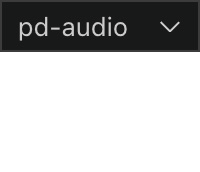
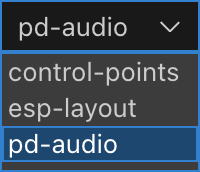
The Design Selection Dropdown allows users to switch between different designs in the workspace. The currently active design is shown at the top. Click the dropdown to see a list of available designs. The names correspond to the design class names defined in your code (classes derived from Design). Click a name to switch to that design.
Banner Messages#
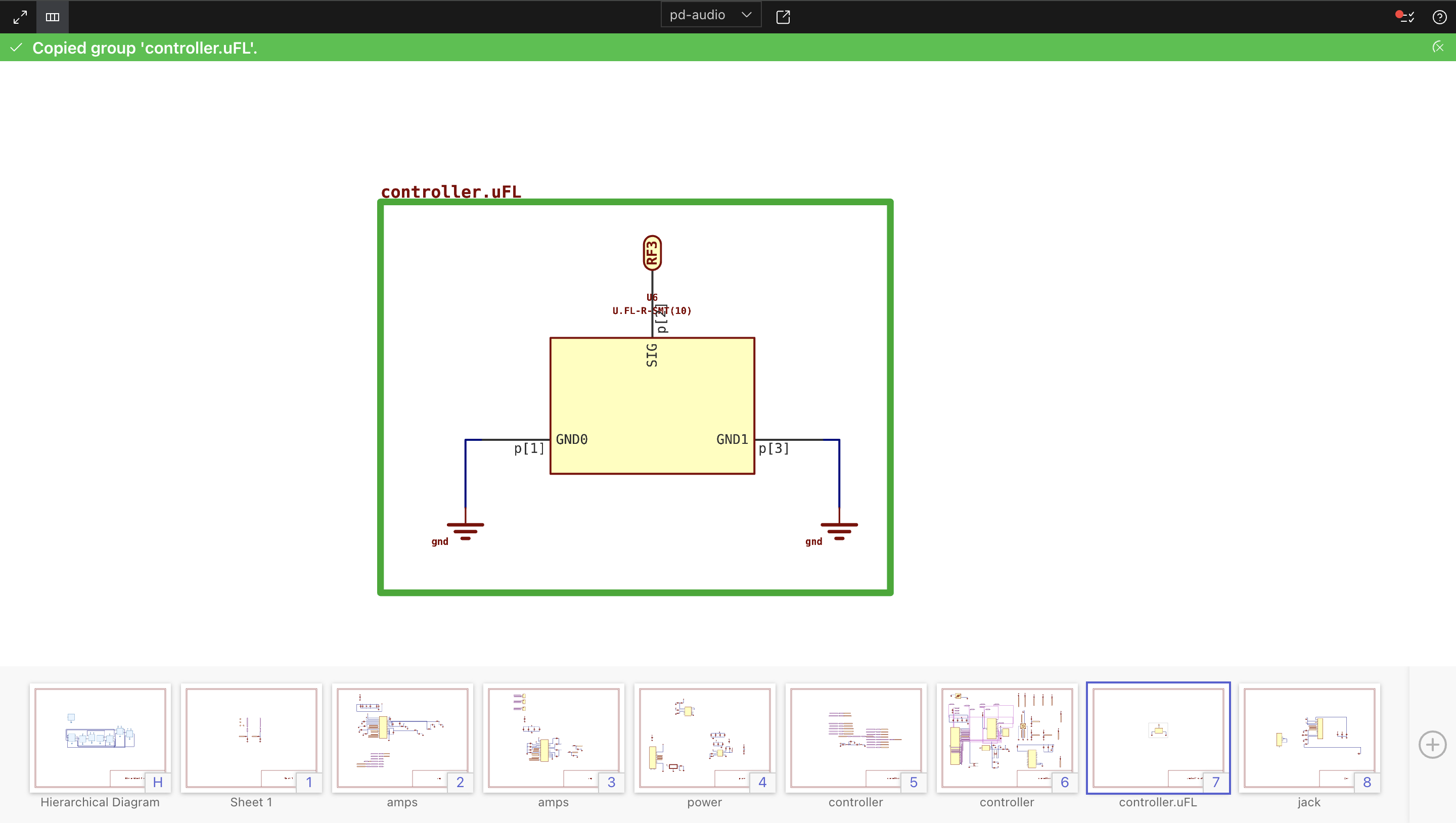
JITX displays banner messages at the top of the interface to inform users about important system events and updates. Banners vary in color to indicate severity, from green (low severity) to red (high severity).
Banner Duration: Green, blue, and yellow banners clear automatically after a certain time, with higher severity banners staying visible longer. Red banners remain until addressed.
Hover Effect: Mousing over a banner extends its visibility.
Manual Dismissal: Click the “X” on the right to manually dismiss any banner.
Views#
Explore the different views in JITX: